Purchases & Expenses
Know what you spend and what you owe.Manage suppliers, price requests and purchase orders. Connect receiving, supplier bills and payments, record everyday expenses and review spending with a clear document trail.
QAR 1,000 / year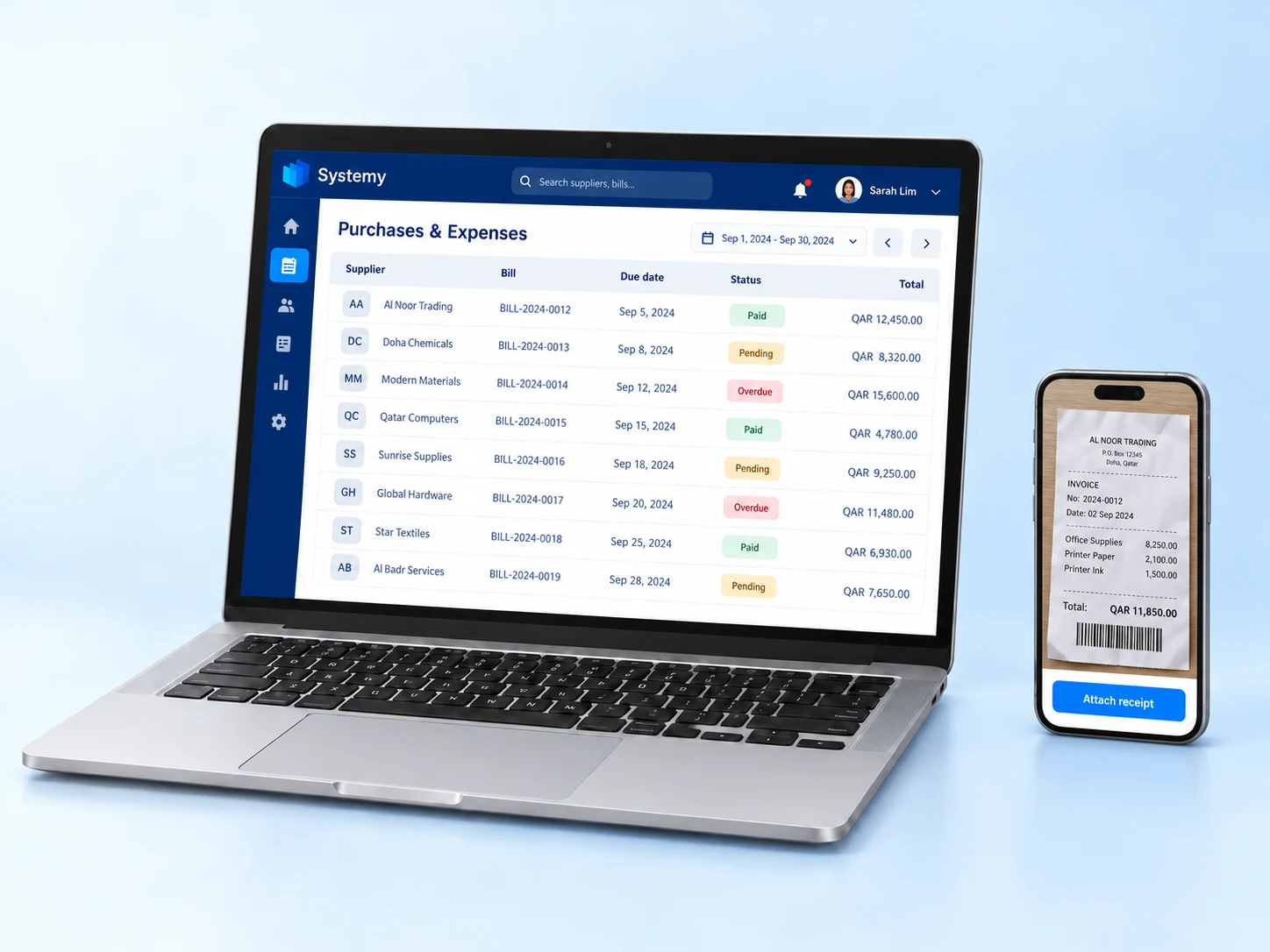
From a supplier order to a recorded cost
Luma Café orders coffee beans from a supplier and records its electricity bill separately. Supplier purchases and everyday expenses stay organised, with receipts and spending categories ready to review.
What each feature helps you do
Manage suppliers and purchase orders
Keep supplier profiles and contact details, request prices and prepare purchase orders with products, quantities and agreed costs. Follow receipt or return with supplier documents and purchasing history together.
From purchase order to supplier bill
Create supplier bills from purchase orders and keep the documents linked. Basic receiving and operational supplier bills work without separate Inventory or Accounting subscriptions.
Know which suppliers need payment
See unpaid, partly paid and paid supplier bills from the purchase order list. Follow payments and supplier credits without losing the purchasing context.
Keep everyday spending accountable
Record everyday expenses with receipts and supporting documents. Route spending through the approvals configured for your team so each cost has a clear record and review trail.
See where your money goes
Review spending by supplier and expense category, and track changes in product purchase costs. Use the records to understand your main costs and plan future purchasing.